What is Context?
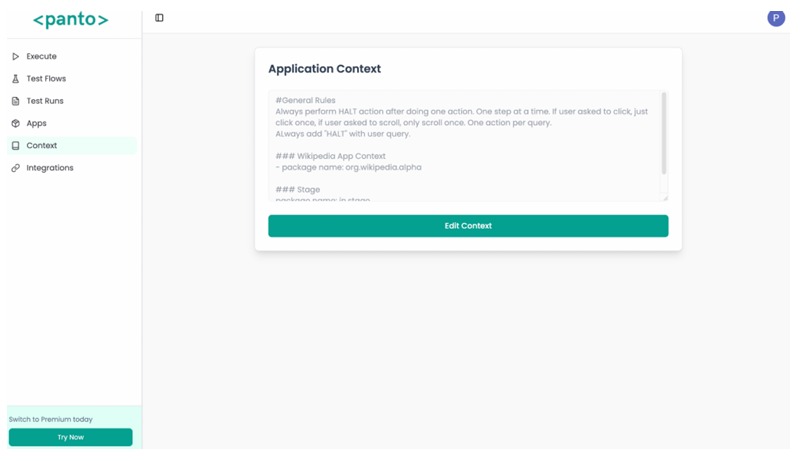
Context lets you give the Agent specific details that influence how tests should run. Provide this in natural language and the Agent will consider it during execution.
Examples
"The debug app password is 11111111" "The cursor in the payment flow moves right to left" "The language change option is located in settings" "Package name of Wikipedia app is org.wikipedia"
This ensures the Agent behaves in a way that matches real user experience.